Why Is My Ceiling Fan Making Noise? 9 Causes and Safe Fixes
If you are asking why is my ceiling fan making noise, listen to the type and timing of the sound before reaching for a screwdriver. A click, rattle, hum, scrape, or thump points to a different cause. Many noises come from a loose external part, but buzzing, crackling, a burning smell, a hot motor housing, or severe wobbling can signal a problem that needs a qualified electrician.
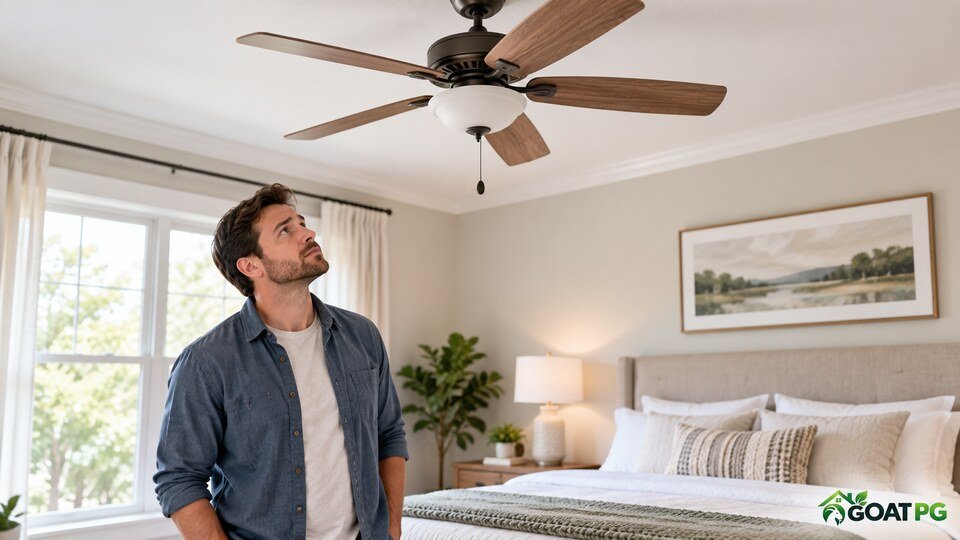
Safety first: Turn the fan off and wait for the blades to stop before looking closely. Switch off the circuit breaker before touching screws, blades, the light kit, or canopy. Do not open the motor, handle wiring, or work from an unstable chair. If you see sparks, smoke, scorching, or movement at the ceiling, keep the fan off and call a licensed electrician.
Table of Contents
Quick Answer: Why Is My Ceiling Fan Making Noise?
The most common reasons are loose blade screws, a pull chain tapping the light, an unbalanced blade set, dust buildup, a loose canopy, or a light-kit part that vibrates. A hum may come from an incompatible wall control, capacitor, or motor. Grinding and scraping can indicate worn bearings or contact between moving and stationary parts.
That makes why is my ceiling fan making noise a process of separating a harmless external vibration from a mounting, motor, or electrical fault.
The safest approach is to identify the sound while standing on the floor, turn off power, and check only accessible external parts described in the model’s manual. Hunter Fan’s official noisy ceiling-fan troubleshooting guide recommends using the fan-specific manual because construction and maintenance requirements differ by model.
What Each Ceiling-Fan Sound Usually Means
To answer why is my ceiling fan making noise, match the sound to the conditions in which it appears. This is a clue, not a final diagnosis.
| Sound | Likely source | Best first action |
|---|---|---|
| Rhythmic clicking | Loose blade screw, pull chain, or blade imbalance | Turn off power and inspect visible external parts |
| Rattling | Loose light shade, bulb, canopy, or fastener | Check accessible fittings after power is off |
| Humming | Normal motor sound, incompatible control, capacitor, or motor issue | Compare speeds and check the manual; call an electrician if loud or new |
| Scraping | Part rubbing, bent component, or internal wear | Stop the fan and look for visible contact without opening the motor |
| Grinding or squealing | Bearing or motor wear | Keep the fan off and contact the manufacturer or a professional |
| Thumping | Severe imbalance or loose mounting | Stop use immediately and arrange inspection |
| Crackling or sizzling | Possible electrical fault | Turn off the breaker and call a licensed electrician |
If the sound resembles a chirp instead of a mechanical noise, confirm that it is not a nearby alarm. Our guides explain why a smoke detector chirps and why a smoke alarm keeps going off.
9 Reasons Your Ceiling Fan Is Making Noise
1. Loose Blade or Blade-Bracket Screws
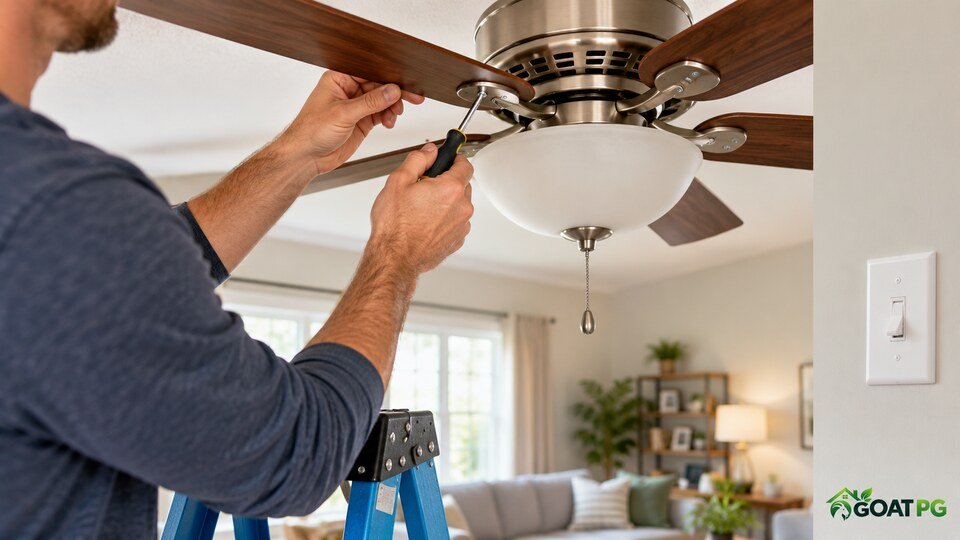
When people ask why is my ceiling fan making noise, loose blade hardware is one of the first things to consider. Normal vibration can gradually loosen a screw where a blade attaches to its bracket or where the bracket meets the motor housing. The result is often a click or rattle that repeats once per rotation and becomes faster at higher speeds.
Turn off the breaker, wait for the blades to stop, and use a stable step ladder. Follow the model manual and tighten only visible blade fasteners with the correct screwdriver. Make them snug, not excessively tight; overtightening can strip threads, crack a blade, or deform a bracket.
2. A Pull Chain Is Tapping the Light or Blade
A pull chain can swing against a glass shade, light housing, or another chain. This produces a light metallic tick that changes when airflow moves the chain. If you wonder why is my ceiling fan making noise only at one speed, watch from the floor to see whether a chain moves in rhythm with the sound.
After turning off power, confirm that the chain hangs clear of the blades and light. Use only chain extensions and arrangements approved for the model. Never shorten or reposition a chain while the fan is moving.
3. A Loose Bulb, Glass Shade, or Light-Kit Part
Glass shades, decorative covers, bulbs, and retaining screws can rattle as the fan vibrates. The noise may start after a bulb change or when the fan runs at medium or high speed. A loose light component can sound as though it comes from the motor even when the motor is fine.
Let bulbs cool completely. With the breaker off, check the manual for the correct way to secure the shade and bulb. Do not force glass or overtighten small shade screws. Replace cracked glass, damaged sockets, or unsupported parts rather than improvising a repair.
4. Dust Buildup or Uneven Blades
Dust can accumulate unevenly across the blades, adding enough weight to increase vibration. Warped blades, mismatched replacement blades, or blade brackets bent out of alignment can have the same effect. In this case, why is my ceiling fan making noise often comes with visible wobble or a soft repeating thump.
Clean each blade evenly with power off, supporting the blade so you do not bend its bracket. Use a slightly damp cloth only if the manual permits it, then dry the surfaces. Do not push down on blades or try to bend brackets back into shape.
5. The Fan Is Out of Balance
A balanced fan rotates around a stable center. If one blade sits at a different height or weight distribution is uneven, the fan may wobble, click, or thump. A small movement can be normal, but a fan that swings widely, makes the ceiling box move, or suddenly becomes unstable should be switched off.
Use a balancing kit approved by the manufacturer and follow its instructions. Measure blade-tip height only after the breaker is off. If a blade arm is visibly bent, a blade is cracked, or the mounting point moves, stop and arrange professional inspection instead of attempting to balance around structural damage.
6. A Loose Canopy, Downrod, or Mounting Component
When why is my ceiling fan making noise includes knocking near the ceiling, pay attention to the mount. The canopy covers the fan’s electrical and mounting connections. If it rattles against the ceiling or downrod, the sound may be irregular. A clicking or knocking noise combined with movement at the ceiling can indicate a mounting problem, not merely a loose decorative cover.
Do not remove the canopy or access wiring unless you are qualified. A ceiling fan must be supported by a fan-rated electrical box or an approved mounting system. If the mount shifts, the downrod connection looks loose, or you cannot verify the installation, keep the fan off and call an electrician.
7. An Incompatible Dimmer or Speed Control
An ordinary light dimmer is not a substitute for a fan-speed control. An incompatible control can cause loud humming, poor speed regulation, overheating, or motor damage. This may explain why is my ceiling fan making noise after a wall switch or smart control was installed.
Check the fan manual and control labeling without opening the wall box. Use only controls listed as compatible with the exact fan. Replacing or rewiring a wall control is electrical work and should be handled by a qualified electrician when local rules or your experience require it.
8. Worn Bearings or a Motor Problem
Grinding, squealing, or a rough sound from inside the motor can indicate worn bearings or internal contact. Most modern residential fans use sealed bearings that are not intended for homeowner lubrication. Some older models have an oil reservoir, but the type and procedure are model-specific.
ENERGY STAR notes that sealed-bearing motors need little or no maintenance, while oil-bath motors may require occasional service. Never add household spray lubricant or oil unless the manufacturer explicitly instructs it for that model. Internal motor noise usually calls for manufacturer support, professional repair, or replacement.
9. Electrical Arcing, a Failing Capacitor, or Damaged Wiring
A loud electrical buzz, crackle, sizzle, intermittent operation, flickering light, burning odor, or repeated breaker trip is not a normal fan noise. In this situation, the answer to why is my ceiling fan making noise may involve an electrical component or connection that should not be inspected while energized.
Turn the fan off and switch off the circuit breaker if it is safe to do so. Do not remove the canopy, reset a repeatedly tripping breaker, or keep testing the fan. If you smell hot plastic or a fishy electrical odor, see our guide to tracing a fishy smell in the house safely, then contact a licensed electrician.
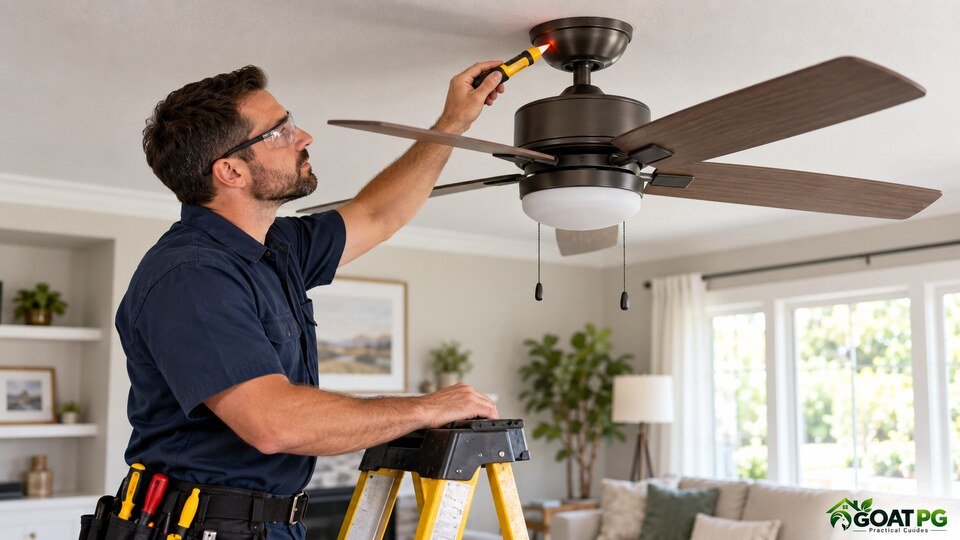
How to Troubleshoot a Noisy Ceiling Fan Safely
A structured check helps answer why is my ceiling fan making noise without unnecessary disassembly.
- Listen from the floor. Note whether the sound is clicking, rattling, humming, scraping, grinding, or crackling.
- Compare speeds briefly. If there is no burning smell, severe wobble, or electrical warning sign, note whether the noise changes with speed, then switch the fan off.
- Cut power. Turn off the wall switch and circuit breaker before touching the fan.
- Wait for a full stop. Never slow blades with your hand.
- Read the model manual. Confirm approved cleaning, tightening, balancing, and lubrication instructions.
- Inspect accessible external parts. Look for loose blade screws, a tapping chain, dusty blades, cracked glass, or visible damage.
- Stop at the canopy or motor. Do not access wiring, capacitors, or internal motor components.
- Test once. Restore power only after tools are removed and everyone is clear. If the noise remains, stop the fan and seek help.
If why is my ceiling fan making noise is difficult to reproduce, record a short video from a safe distance and note the speed, light status, room temperature, and how long the fan had been running. This can help the manufacturer or electrician diagnose the issue without repeated testing.
When to Call an Electrician or Replace the Fan
Stop using the fan and call a licensed electrician when why is my ceiling fan making noise is accompanied by smoke, sparks, crackling, a burning or fishy odor, flickering, a hot housing, repeated breaker trips, visible wire damage, or movement at the ceiling box.
Professional help is also appropriate when the fan was recently installed, the noise began after electrical work, the canopy must be removed, or the mounting support cannot be confirmed. A fan that remains loud after visible external parts are secured may have a failing motor, capacitor, bearing, control, or internal connection.
Sometimes the practical answer to why is my ceiling fan making noise is age-related wear. Replacement can be more practical when an older fan has a loud grinding motor, unavailable parts, repeated electrical faults, cracked blades, or a damaged mounting assembly. Do not continue running a defective fan to “see if it settles.”
How to Prevent Ceiling-Fan Noise
After solving why is my ceiling fan making noise, a few habits can reduce repeat problems:
- Clean all blades evenly so dust does not create imbalance.
- Use bulbs, remotes, light kits, and speed controls approved for the fan.
- Check accessible blade screws periodically with power off.
- Do not hang decorations from blades or pull chains.
- Do not push or bend blades while cleaning.
- Address wobble early instead of letting vibration loosen more parts.
- Keep the model number and manual for parts and maintenance instructions.
- Have unusual electrical noise inspected promptly.
Ceiling fans move room air but do not replace HVAC filtration. For broader airflow maintenance, see how often to change a home air filter.
Frequently Asked Questions
Why is my ceiling fan making a clicking noise?
Rhythmic clicking commonly comes from a loose blade screw, a pull chain touching the light, a loose shade, or an unbalanced blade. Turn off the breaker before checking accessible external parts, and use the model manual.
Why is my ceiling fan humming?
A faint motor hum may be normal, especially at certain speeds. A loud or new hum can involve an incompatible wall control, capacitor, motor, or electrical connection. If it is accompanied by heat, odor, flickering, or poor speed control, keep the fan off and call an electrician.
Why is my ceiling fan making noise only on high speed?
If you ask why is my ceiling fan making noise only on high, increased vibration may be revealing a loose fastener, light-kit part, canopy, dust imbalance, or blade alignment issue. Severe wobble or mounting movement requires professional inspection.
Can I use WD-40 or spray lubricant on a ceiling fan?
Do not spray lubricant into a ceiling-fan motor. Most modern fans have sealed bearings, and the wrong product can attract dust, damage components, or create an electrical hazard. Lubricate only when the manufacturer’s manual specifies the exact product and procedure.
Is a wobbling ceiling fan dangerous?
A slight movement may occur in some installations, but large, increasing, or sudden wobble is not something to ignore. Turn the fan off if the canopy or ceiling box moves, the blades are damaged, or the fan makes a heavy thump.
How long should I wait before worrying about a new fan noise?
Do not wait on crackling, burning odor, overheating, severe wobble, or ceiling movement. Some new fans may have a brief normal break-in sound described in their manual, but persistent clicking, scraping, grinding, or loud humming should be reported to the installer or manufacturer.
Bottom Line
The best answer to why is my ceiling fan making noise begins with the sound itself. Clicking and rattling often involve accessible external parts; humming may involve the control or motor; grinding, crackling, heat, odor, or severe wobble requires a cautious stop.
Work only with the power off, follow the exact model manual, and do not open electrical or motor components. A quiet room is useful, but a securely mounted and electrically sound ceiling fan is the real goal.