Windows Guides
Helpful guides, fixes, and tutorials for Windows users
-

How to Turn off Hard Disk After Idle Time in Windows 11
How to Turn Off Hard Disk After Idle Time in Windows 11 Managing your hard disk’s activity can significantly boost your…
-
How to Disable the Touchpad Windows 11 (Quick & Easy Guide)
6 Ways to Disable Touchpad Windows 11 If you use an external mouse for gaming, streaming, or work, knowing how to…
-
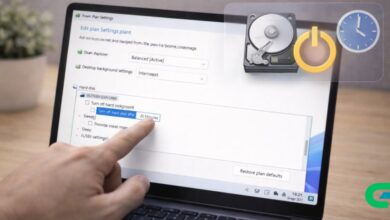
How to Turn Off Hard Disk After Idle Time in Windows 11
How to Turn Off Hard Disk After Idle Time in Windows 11 If your computer uses both an SSD and an…
-
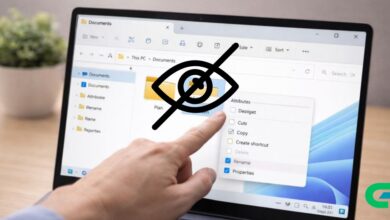
How to Hide Files in Windows 11 Without Any Software
How to Hide Files in Windows 11 (Without Any Software) If you’re wondering how to hide files in Windows 11 without…
-
How to Add and Switch Keyboard Layouts in Windows 11
How to Add and Switch Keyboard Layouts in Windows 11 Knowing how to add and switch keyboard layouts in Windows 11…
-
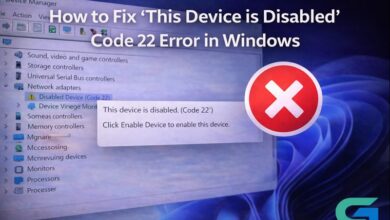
Fix ‘This Device is Disabled’ Code 22 Error on Windows
How to Fix ‘This Device is Disabled’ Code 22 Error in Windows Encountering the ‘This Device is Disabled’ Code 22 error…
-
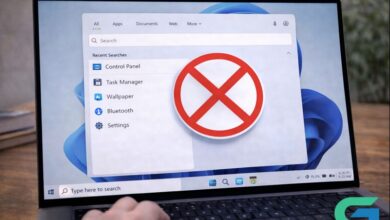
Disable Recent Searches on Windows 11: A Simple Guide
How to Disable Recent Searches on Windows 11: A Simple Guide In Windows 11, the ability to access and view recent…
-
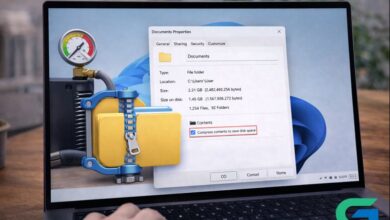
Enable File Compression on Windows 11: A Step-by-Step Guide
How to Enable File Compression on Windows 11 In today’s digital landscape, efficient storage management is essential for users of Windows…
-
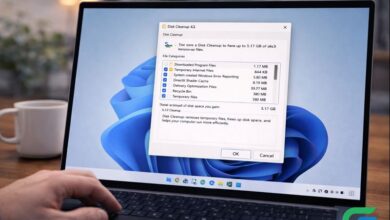
Effective Guide to Using Disk Cleanup on Windows 11
How to Use the Disk Cleanup Utility on Windows 11 Windows 11 offers various tools to enhance system performance, and the…
-
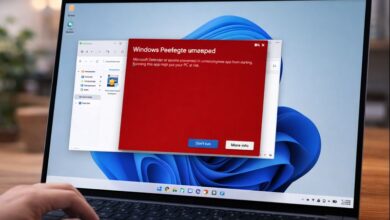
Disable Windows Defender SmartScreen on Windows 11: A Guide
How to Disable Windows Defender SmartScreen on Windows 11 Windows Defender SmartScreen is a built-in security feature in Windows 11 designed…