Summary
How to Stop Apps from Using Your Webcam on Windows (Windows 11 Guide)
Webcam privacy is a serious concern for many users. While you can physically cover your webcam or disable it entirely, Windows offers a more flexible solution—controlling which apps can access your camera.
In this guide, you’ll learn how to stop apps from using your webcam on Windows 11, either individually or all at once, without disabling the camera completely.
Why Should You Control Webcam Access?
Managing webcam permissions helps you:
- Protect your privacy
- Prevent unauthorized spying
- Reduce security risks
- Control which apps can use your camera
How to Stop Specific Apps from Using Your Webcam (Windows 11)
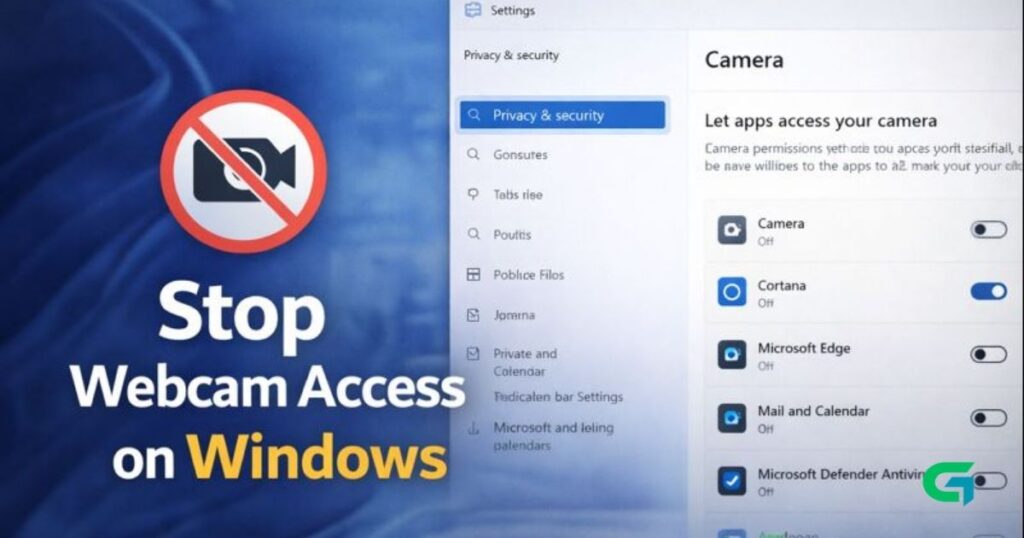
Windows 11 lets you control webcam access for each app individually.
Steps:
- Open the Settings app.
- Go to Privacy & Security.
- Click on Camera.
- Scroll down to Let apps access your camera.
- You’ll see a list of apps that have camera access.
- Turn OFF the toggle next to any app you don’t want to use your webcam.
- To allow access again, simply turn the toggle ON.
Changes take effect immediately.
How to Stop All Apps from Accessing Your Webcam
If you prefer maximum privacy, you can block webcam access for all apps at once.
Steps:
- Open Settings.
- Go to Privacy & Security.
- Select Camera.
- Turn OFF the toggle next to Let apps access your camera.
Once disabled, no app will be able to use your webcam until you re-enable this option.
Additional Privacy Tips
- Regularly review app permissions
- Keep Windows updated
- Use antivirus or anti-spyware software
- Watch for webcam activity indicators
These steps help ensure long-term webcam security.
Read Also : How to Turn Windows Efficiency Mode Off (Windows 11)
Final Thoughts
Windows 11 makes it easy to control webcam access without disabling the camera completely. By managing app permissions, you can protect your privacy while still allowing trusted apps to use your webcam when needed.
For more Windows privacy and security guides, visit GOATPG.