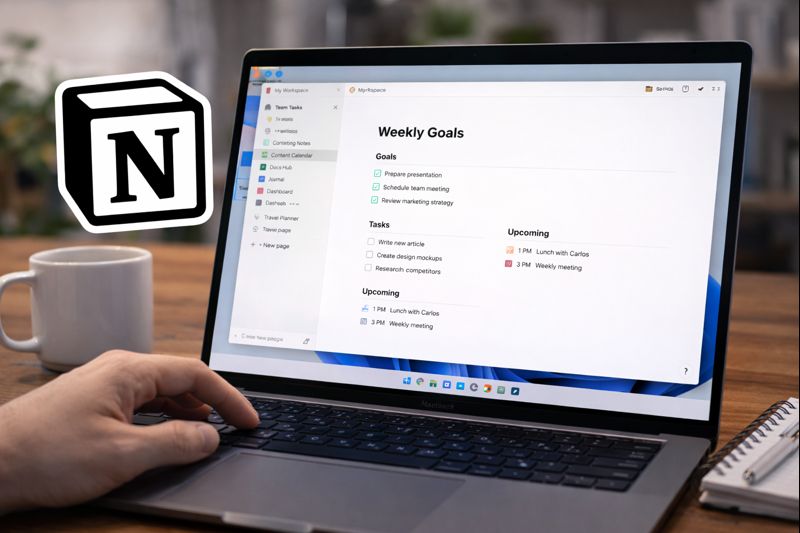
Managing tasks, notes, and projects efficiently has become essential in both personal and professional life. Notion is a popular productivity tool designed to help users organize information in one place. In this Notion productivity app review, we take a neutral and practical look at its features, usability, pricing, and overall value to help you decide whether it fits your workflow.
What Is Notion?
Notion is an all-in-one productivity application that allows users to create notes, manage tasks, organize projects, and collaborate with others. Instead of using separate apps for documents, task lists, and databases, Notion combines these functions into a single workspace.
The app is available on web browsers as well as Windows, macOS, Android, and iOS, making it accessible across multiple devices.
How Notion Works
Flexible Block-Based Editor
Notion uses a block-based system where each piece of content text, images, lists, or tables is treated as an individual block. These blocks can be rearranged easily, allowing users to customize page layouts without technical knowledge.
This flexible structure is one of the reasons Notion appeals to users who want control over how their information is organized.
Pages and Organization
Content in Notion is stored in pages, which can contain subpages. This makes it possible to build structured systems such as project hubs, knowledge bases, or personal planners without fixed limitations.
Key Features of Notion
Note-Taking and Documentation
Notion supports rich text formatting, headings, bullet points, and basic markdown. This makes it suitable for simple notes, meeting summaries, or longer documents.
Many users rely on Notion to centralize personal notes and reference materials.
Task and Project Management
Tasks in Notion can be organized using checklists, tables, boards, or calendars. Users can add due dates, tags, and custom fields to track progress.
While it may not replace dedicated project management tools for all teams, it works well for lightweight project tracking.
Databases and Structured Data
Databases are a core feature of Notion. They allow users to store structured information and display it in different formats such as lists, tables, and boards.
This feature is commonly used for content planning, task tracking, and personal organization.
Collaboration Features
Notion supports shared workspaces, comments, and real-time editing. These features make it useful for small teams that need a central place for documentation and planning.
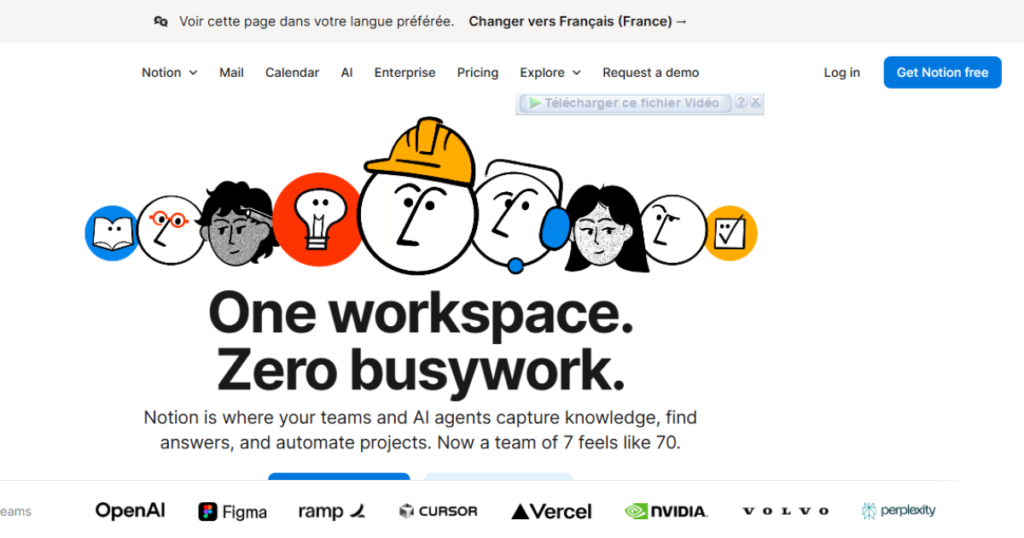
Notion for Productivity: Common Use Cases
For Students
Students often use Notion to organize lecture notes, track assignments, and manage study schedules. Templates help simplify setup for academic use.
For Freelancers
Freelancers use Notion to manage projects, plan content, and keep client information organized. Having everything in one workspace can reduce the need for multiple tools.
For Teams
Teams may use Notion as an internal wiki, documentation hub, or basic project tracker. Its flexibility allows different teams to adapt it to their workflows.
User Experience and Ease of Use
Learning Curve
Notion offers many customization options, which can feel overwhelming for new users. However, built-in templates and guides help users get started more quickly.
Once familiar with the interface, many users find it efficient for daily use.
Performance and Accessibility
Notion generally performs well across platforms. However, offline access is limited, which may affect users who need full functionality without an internet connection.
Notion Pricing Overview
Free Plan
The free plan is suitable for individual users and includes unlimited pages and blocks. It is often sufficient for personal productivity and basic organization.
Paid Plans
Paid plans are designed for teams and businesses, offering additional collaboration features, version history, and administrative tools. Pricing is competitive compared to similar productivity platforms.
Pros and Cons of Notion
Advantages
- Highly customizable workspace
- Combines notes, tasks, and databases
- Works across multiple devices
- Useful for individuals and teams
Disadvantages
- Takes time to learn
- Limited offline functionality
- May be too complex for simple needs
Notion Alternatives
Notion may not suit everyone. Users who prefer simpler tools or specific features may consider alternatives focused on note-taking, task management, or team collaboration.
Choosing the right tool depends on individual needs and preferred workflow.
Is Notion Safe to Use?
Notion uses standard security practices to protect user data. While it is generally considered safe for everyday productivity tasks, users should review privacy settings when storing sensitive information.
Read also : Best Antivirus Apps for Android (2026 Review)
Final Verdict: Notion Productivity App Review
This Notion productivity app review shows that Notion is a versatile and flexible tool for organizing information. It works well for users who want an all-in-one workspace and are willing to invest time in customization.
For users seeking simplicity, other tools may be more suitable. Overall, Notion remains a strong option for productivity-focused users looking for flexibility and organization.

Notion App Review – Organize Notes, Tasks, and Projects in One Place
Ease of Use - 8.5
Features & Functionality - 9.5
Performance & Stability - 9
Collaboration - 9.5
Value for Money - 9
9.1
A powerful all-in-one workspace for notes, tasks, and collaboration, ideal for individuals and teams.
Notion is one of the most flexible productivity tools available today. It combines note-taking, task management, databases, and collaboration features in a single workspace. While it has a small learning curve for beginners, its customization options make it an excellent choice for long-term organization.