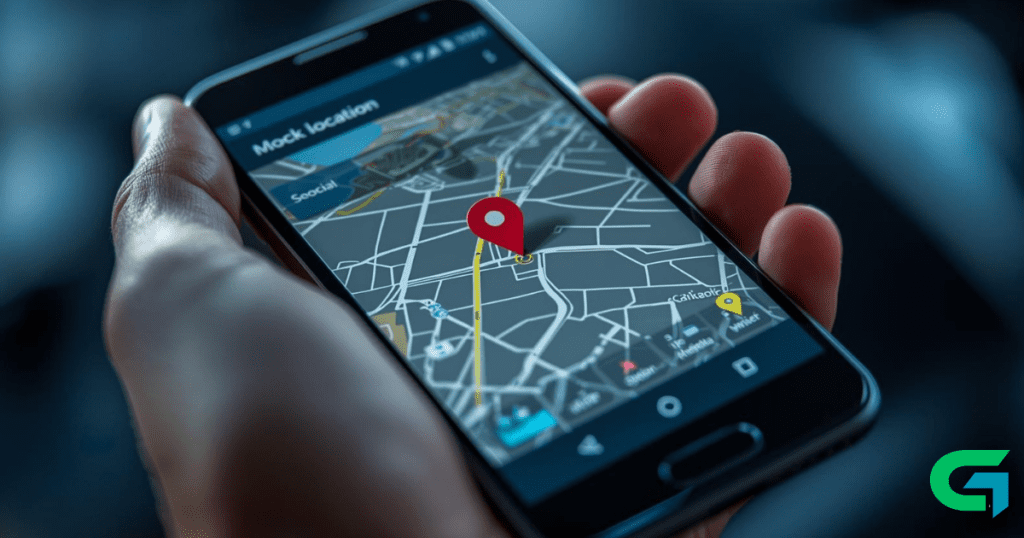
How to Fake a GPS Location on Android (Step-by-Step Guide)
There are many legitimate reasons to change or fake your GPS location on Android. For example, you may want to test location-based apps, protect your privacy, or access region-specific content for educational purposes.
In this guide, we’ll show you how to fake a GPS location on Android safely, using reliable apps and the correct system settings.
⚠️ Note: This guide is for educational and testing purposes only. Always respect app terms of service and local laws.
Why Fake GPS Location on Android?
Users commonly change GPS location to:
- Test location-based apps
- Protect personal privacy
- Access location-restricted content
- Debug apps during development
Method 1: Fake GPS Location Using GPS Joystick (Recommended)
We’ll use Fake GPS Location – GPS Joystick, one of the most popular Android apps for this purpose.
Step 1: Install the App
Download and install Fake GPS Location – GPS Joystick from the Google Play Store.

Step 2: Accept Privacy Policy
Open the app and accept the Privacy Policy to continue.
Step 3: Open the Map Interface
Scroll down and tap Set Location, then select Click here to open the map.
Step 4: Choose a Fake Location
- Select any location on the map
- Place the marker
- Tap Start
Step 5: Enable Location Permissions
Turn on GPS Location when prompted.
Step 6: Allow Overlay Permission
Grant permission to Draw over other apps.
Step 7: Enable Mock Location (Important)
- Go to Settings → Developer Options
- Tap Select mock location app
- Choose GPS Joystick
The app will confirm that the mock location service is running.
Step 8: Confirm Fake Location
Open Google Maps to verify your new location.
If the marker appears in the selected area, the GPS spoofing is working correctly.
Other Apps to Fake GPS Location on Android
1. Fake GPS Go Location Spoofer
- Easy to use
- Good for testing and photo geotagging
- Free on Play Store
2. Fake GPS Location Professional
- Clean interface
- Beginner-friendly
- Requires Developer Options enabled
3. Fake GPS
- Free and lightweight
- Supports manual coordinates and location search
- Requires developer settings configuration
Important Things to Know
- Some apps may detect fake GPS usage
- Location spoofing may violate certain app policies
- Always disable fake GPS after use
Read Also : How to Find Devices Connected to WiFi Using a Smartphone
Final Thoughts
Faking GPS location on Android is simple when done correctly. Apps like GPS Joystick make the process easy for testing and educational use. Always use these tools responsibly and avoid violating service terms.
For more Android guides and tutorials, visit GOATPG.