Android Auto icon disappears on Google Maps during navigation. Learn why this bug occurs and what you can do to fix it in this detailed update.
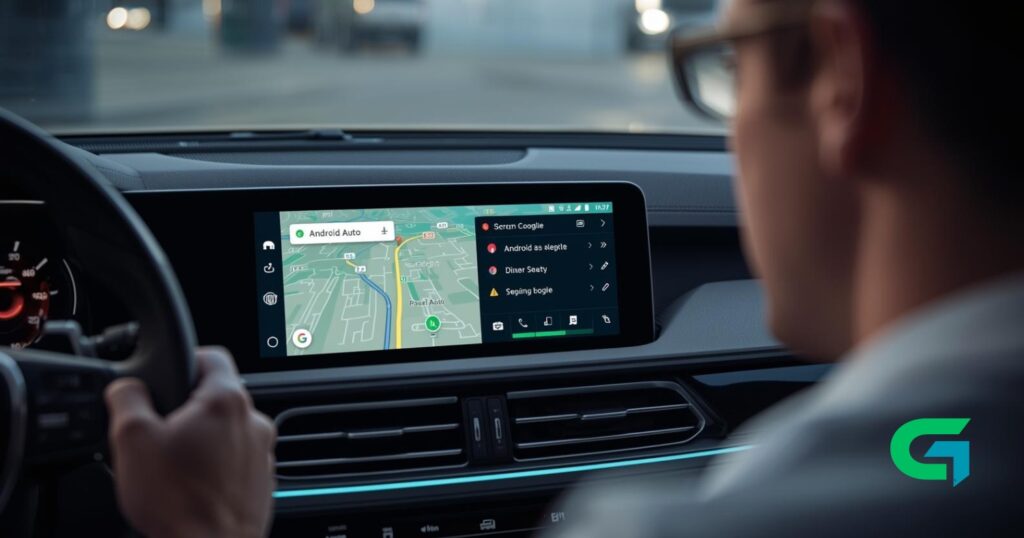
If you use Android Auto regularly, you may have noticed a strange glitch recently: while driving, the vehicle icon on Google Maps just vanishes. The navigation continues smoothly, but losing the visual marker for your car’s position can make it tricky to follow the route quickly. This unexpected behavior has sparked conversations across tech forums and user groups.
Why are so many people talking about the Android Auto Google Maps icon disappearing? The issue is widespread and affects a core aspect of the driving experience easy orientation via the vehicle’s graphical indicator. Though navigation directions and traffic data still update correctly in real time, the absence of the car icon can cause confusion, especially in complex driving scenarios or unfamiliar areas. The glitch undermines one of the key safety elements of in-car navigation: quick glance reassurance.
Android Auto Google Maps icon disappearing: What’s new?
According to numerous user reports, the problem affects all vehicle icon types in Google Maps on Android Auto whether users have selected the default icon or customized theirs. The vehicle icon simply vanishes from the screen, leaving only the map and route information visible.
Interestingly, the map still tracks the car’s position as usual. The navigation route updates remain accurate, and traffic alerts occur normally. It’s just the visual “car point” that disappears intermittently. Users have noticed that this issue commonly arises when Google Maps briefly switches off screen. This can happen if you navigate away momentarily to the infotainment system’s home screen or open a media app within Android Auto, after which the vehicle icon fails to reappear.
The timing of the reports aligns with the rollout of Android Auto version 16.1, which began reaching users on the stable channel recently. Testing by multiple users, including independent tech reviewers, has confirmed the problem across different devices and vehicles.
Though Google has not officially acknowledged the bug, the correlation strongly suggests it was introduced by the latest update. This type of graphical bug is typical of newly deployed software versions and usually fixed in subsequent updates.
For now, drivers coping with this Android Auto Google Maps icon disappearance have limited options. One temporary workaround is to revert to an earlier Android Auto app version prior to 16.1 until Google releases a patch. However, this approach may not be feasible or convenient for everyone.
What users benefit from knowing about the Android Auto Google Maps icon issue?
Understanding the cause and scope of this bug helps Android Auto users stay informed and avoid unnecessary panic when their car icon disappears. Knowing that navigation itself is unaffected reassures drivers they can still trust route guidance until an official fix is available.
Technology enthusiasts and developers also gain insight into real-world software update risks, reinforcing the importance of thorough testing before public release. For Google, this feedback loop from users highlights the need for swift corrective action given Android Auto’s critical role in road safety.
In conclusion, the Android Auto Google Maps vehicle icon disappearance is a recent but temporary glitch linked to the 16.1 app update. While it interrupts the visual driver interface, navigation and traffic functions continue unaffected. Drivers using Android Auto should stay tuned for forthcoming updates that will hopefully restore full graphical functionality soon. Until then, this awareness reduces frustration and supports safer navigation experiences.
Read also : Alexa+ Upgrade Now Available to All US Users
Stay updated on tech news by following trusted sources for the latest Android Auto developments and Google Maps enhancements.