In today’s digital age, safeguarding personal information is critical, especially when it comes to mobile devices. By learning to lock individual apps on Android devices, users can enhance their security and keep their private data safe from unauthorized access. This guide will walk you through various methods to achieve this level of security on your Android device, changing the way you interact with your apps.
Lock Individual Apps on Android Device: Understanding the Need
The rise of smartphone usage has led to a significant increase in privacy concerns. With numerous apps storing personal data from banking details to private messages it’s essential for users to secure their apps effectively. Locking individual apps on Android devices is a practical solution that prevents unauthorized access, particularly when sharing devices or in case of theft.
Several Android users may not be aware that built-in features or third-party applications can assist in locking specific apps. This understanding empowers users to take control over their device security effortlessly.
Lock Individual Apps on Android Device: Features and Updates
When it comes to locking apps, Android offers a variety of built-in features and options through third-party applications. Some notable methods include:
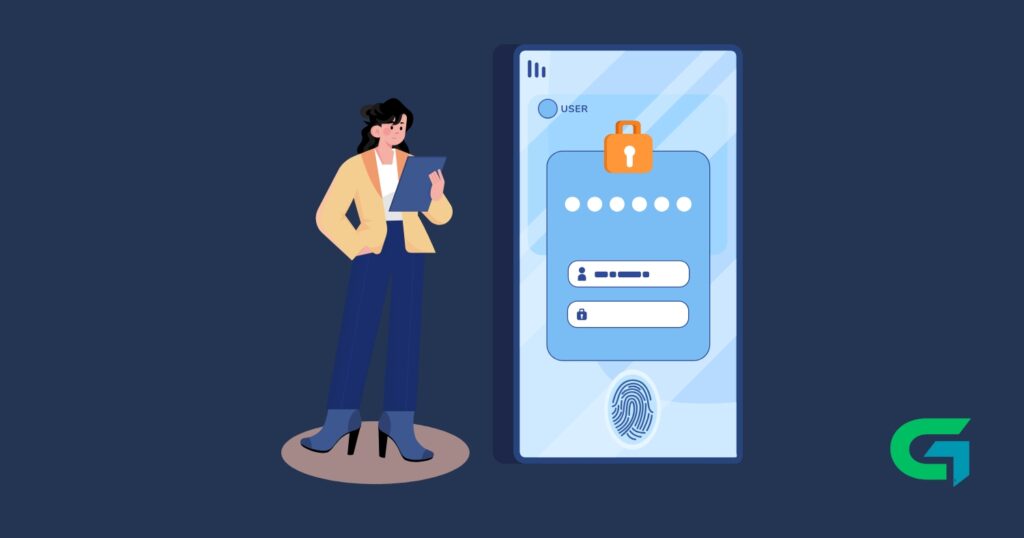
Built-in App Lock: Many Android devices come equipped with an app lock feature. This functionality can usually be found in settings under “Security” or “Privacy,” allowing users to set up a PIN, password, or biometric lock specifically for designated apps.
Third-Party Applications: Numerous apps on the Google Play Store are designed explicitly for app locking. Apps such as AppLock, Norton App Lock, and Secure Apps offer advanced features, including customizable locks, photo vaults, and the ability to take photos of unauthorized access attempts.
Device Administrators: Some Android manufacturers include additional security layers. For instance, Samsung devices come with Secure Folder, providing a sandbox for sensitive apps and files.
Biometrics: Modern Android devices increasingly support biometric security features, such as fingerprint sensors or facial recognition, which can be used to lock specific apps for a quick and seamless security experience.
Understanding these features can significantly impact user experience with Android devices, as it raises the security level and provides peace of mind.
User Impact of Locking Individual Apps on Android Device
Implementing app locks can dramatically improve user experience by adding a layer of security without altering the accessibility of apps. Users can share their devices without worrying about exposing personal information. Moreover, in regions where device theft is common, these security measures can safeguard sensitive data, ensuring that even if a device is lost, the thief is unable to access critical information.
Additionally, the ability to lock individual apps enhances focus and productivity, allowing users to limit distractions from social media or gaming apps during work hours or study sessions.
Industry Implications of Locking Individual Apps on Android Device
As cyber threats become more sophisticated, the demand for robust privacy measures within the mobile industry is on the rise. Manufacturers and app developers must recognize this trend and expand their security offerings. The incorporation of more intuitive app-locking features can serve as a significant selling point, influencing user preferences toward brands and products that prioritize privacy.
Furthermore, with strict regulations like GDPR emphasizing user data protection, developers are obligated to comply by creating applications and platforms that support individual app locking. In doing so, they not only adhere to regulatory standards but also foster user trust and confidence in their products.
Future Outlook for Locking Individual Apps on Android Device
Looking ahead, the approach to app-locking features is likely to evolve, adapting to technological advances. With trends leaning towards artificial intelligence (AI) and machine learning, future solutions may encompass predictive analytics that proactively assesses and suggests security settings based on user behavior. Enhanced biometrics, such as voice recognition or even behavioral biometrics, could provide users with innovative ways to secure their individual apps.
Additionally, as users become more aware of their privacy rights and the importance of protecting personal data, the demand for more integrated security solutions will increase, further embedding app encryption and individual lock features into the core Android experience.
Read also : How to See Recently Deleted Apps on Android in 2024
In conclusion, the ability to lock individual apps on an Android device is not just a luxury but a necessity in today’s digital landscape. Embracing the various methods available empowers users to fortify their privacy and protect sensitive information from potential threats. As security technologies evolve, staying informed about the latest developments in app locking features will undoubtedly contribute to a safer and more secure mobile experience.