Summary
How to Check If Your Android Device Is Running 32-Bit or 64-Bit
Before installing or sideloading an APK on your Android device, it’s important to know whether your phone is running a 32-bit or 64-bit Android system. Some apps are designed specifically for one architecture and won’t work on the other.
In this guide, you’ll learn simple and reliable methods to check if your Android device uses a 32-bit or 64-bit processor and operating system.
Why Does 32-Bit vs 64-Bit Matter?
A 64-bit processor can handle more data at once, allowing better performance, improved security, and support for newer applications. Many modern Android apps are now released only for 64-bit devices, which is why checking your device architecture is essential.
Method 1: Check Android Architecture Using AIDA64
AIDA64 is one of the most popular apps for viewing detailed system information.
Steps:
- Download and install AIDA64 from the Google Play Store.
- Open the app and tap on CPU.
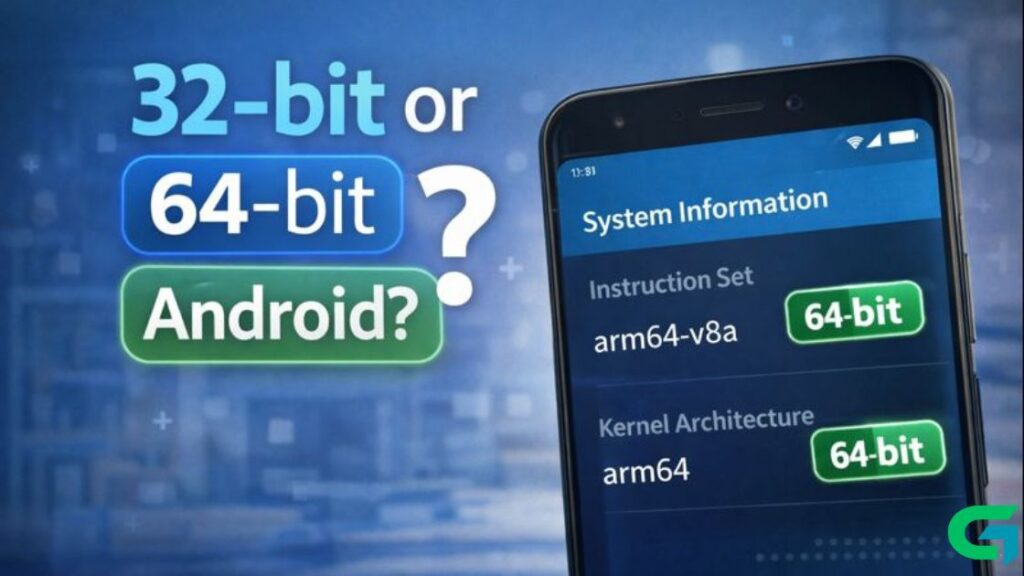
- Look for Instruction Set to see your processor architecture.
- Go back and tap on Android.
- Check the Kernel Architecture field.
arm64-v8a→ 64-bit Androidarmeabi-v7a→ 32-bit Android
This confirms whether your Android system is running in 32-bit or 64-bit mode.

Method 2: Check 32-Bit or 64-Bit Android Using CPU X
CPU X is another reliable app that displays complete hardware and system details.
Steps:
- Install CPU X from the Play Store.
- Launch the app and open the CPU tab.
- Scroll down to Instruction Set.
- Check the listed architecture.
If it shows arm64, your device supports 64-bit. Otherwise, it’s running a 32-bit system.
Read Also : How to Fix Android Wi-Fi Not Connecting (11 Easy Solutions)
CPU vs Android OS: Important Difference
- Some phones have 64-bit processors but still run a 32-bit Android OS
- Apps require compatibility with the Android OS architecture, not just the CPU
Always check the Kernel Architecture or Android section to be sure.
Knowing whether your Android device runs 32-bit or 64-bit helps you avoid installation errors and ensures app compatibility. Tools like AIDA64 and CPU X make this process quick and accurate.
If you found this guide helpful, feel free to explore more Android tutorials on GOATPG.